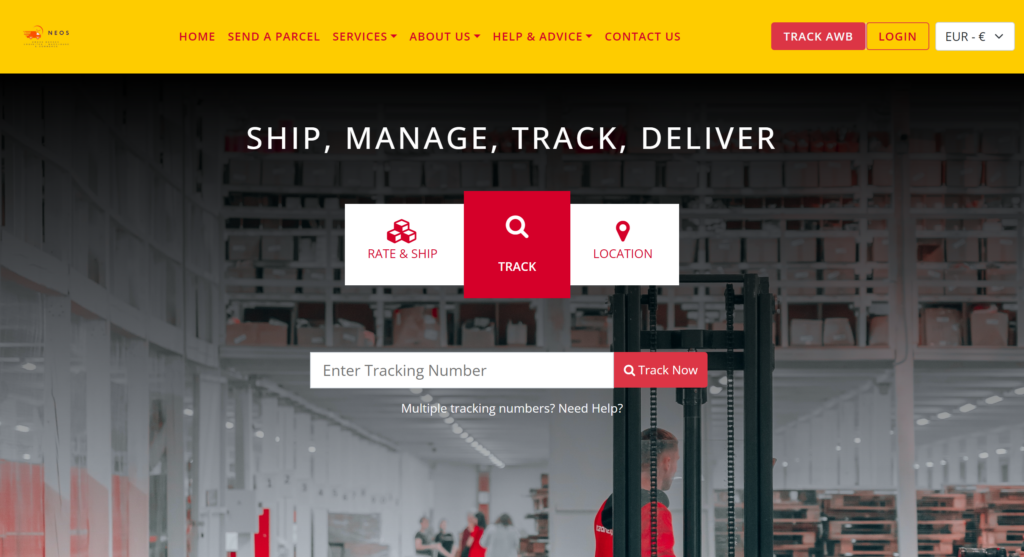
Home Page of Courier V7 consist of Shortcut key to Track the Parcel, Services Information, Send Parcel Button which on click diverts to the Send Parcel Page, Testimonials, News, and Featured Partners keys.
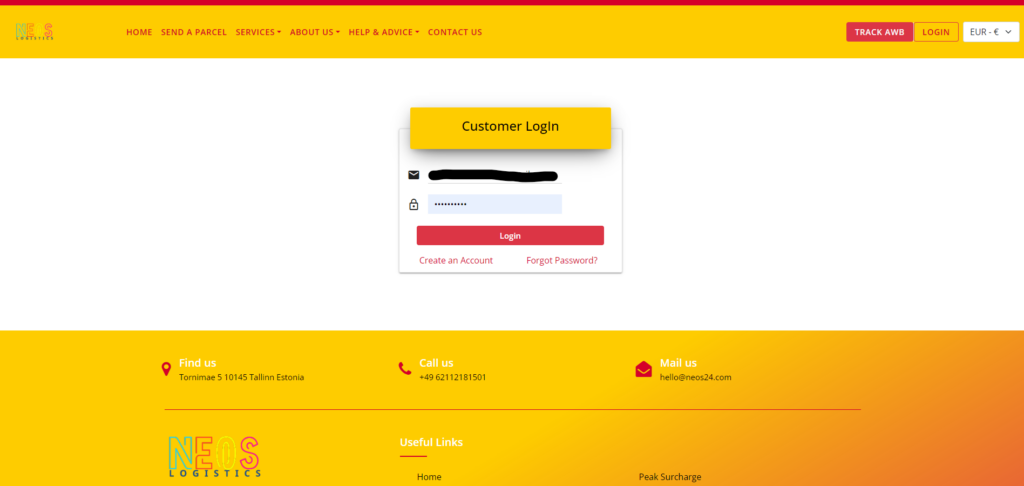
Login
With your login access data, you log into your protected customer portal.
After logging in, you have the possibility to view and perform other operations such as parcel shipping, returns, tracking, invoices, and more.
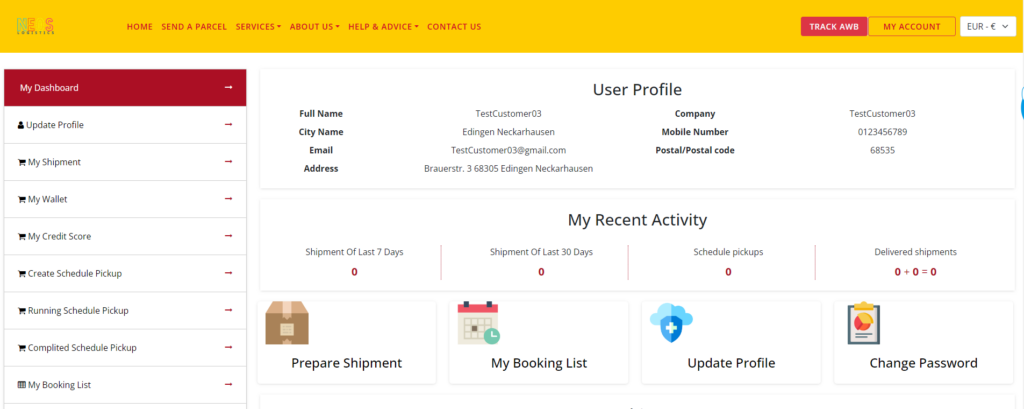
Account overview
On your personal start page after logging in, you will find various options and information.
On the main screen: 1. you can see your current user and billing data. Please keep them always up to date.
2. your last activities. – How many shipments you have sent in the last 7/30 days. – if PUP are agreed – how many shipments have been delivered (last 30 days)
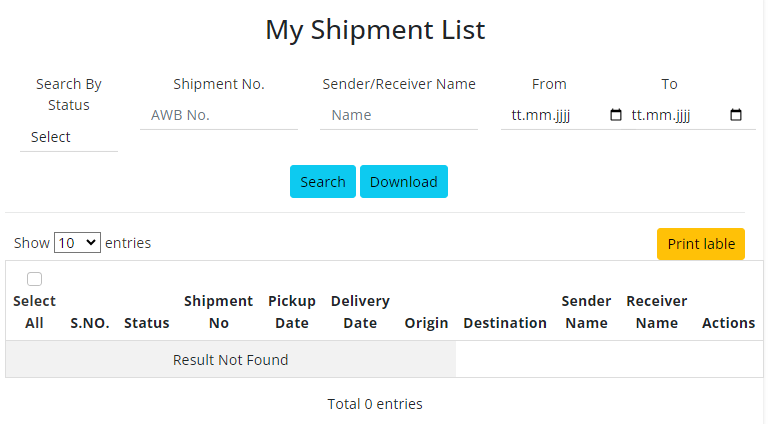
3. a quick selection by button – Prepare shipment – my booking list – Update profile – Change password
4. a detailed overview of your last shipments Sorted by status, Internal AWB, PUP date, Origin, Destinantion and current Track&Trace status.
On the left side you will find the individual menu items
– Dashboard – Update profiles – My Wallet – My Credit Score – Create and Schedule PUP – Running Schedule PUP – Completed Schedule PUP – My Booking List – My COD shippment Invoice – Change Password – Logout
As well as in the lower area „Track your shippment“. Here you can search for your shipments with the NEOS AWB or the carrier’s AWB.
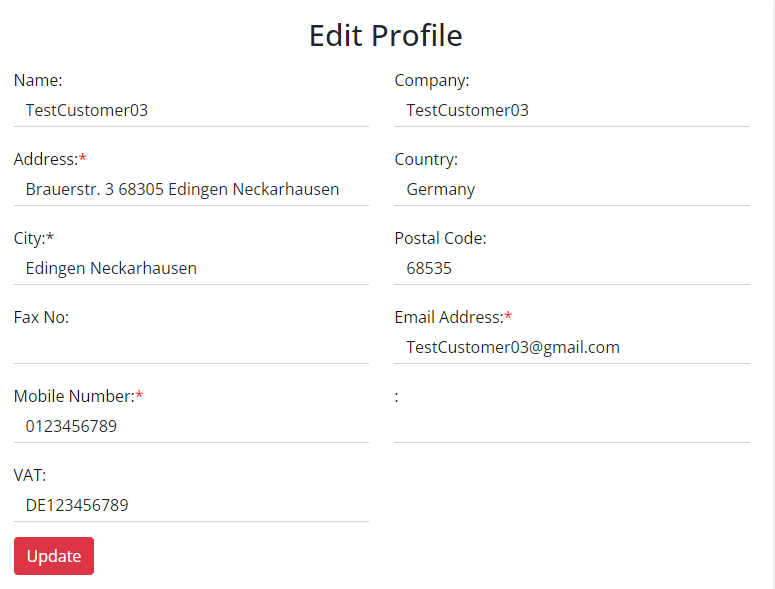
Edit Profile
Here you can change or replace your company data such as contact name, company name, address, contact details. These data are also important for invoicing.
If you have any questions, you can contact us by e-mail at germany@neos24.com.